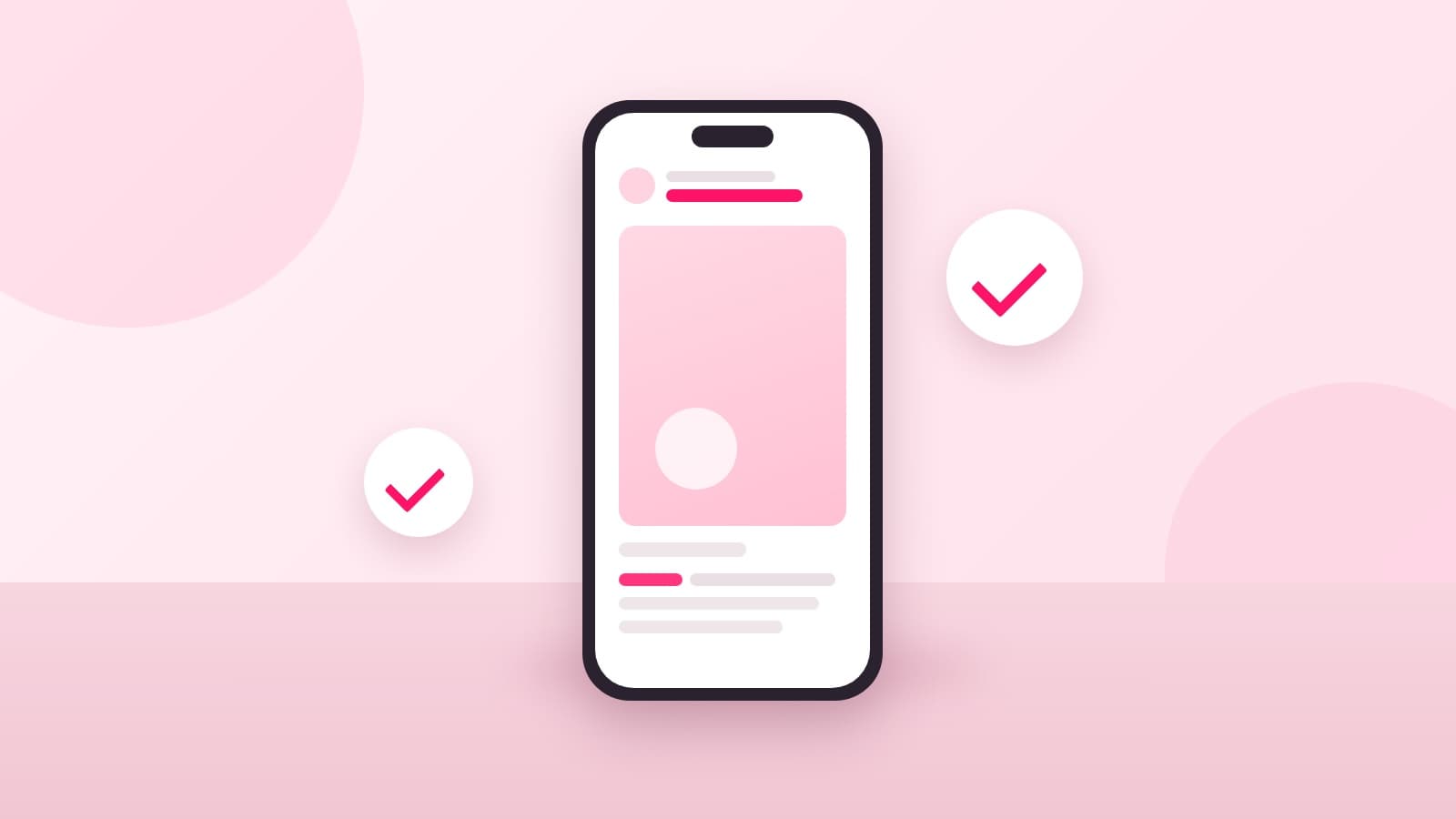
The paid partnership label is required on Instagram whenever a brand paid you for the post, in money or in product. That is Instagram's own rule, written into its Branded Content Policies. In India there is a second rule on top: ASCI accepts the tag as a disclosure, but says it should sit alongside your own label, not replace it.
So the honest answer for an Indian creator is two things, not one. Turn the label on, and write a permitted word in the caption or on the video. This post goes through when the label is required, the exact taps for a post, a story and a reel, what happens before the brand approves you, and what a missing label has cost creators who skipped it.
When is the paid partnership label required?
Whenever the content is what Instagram calls organic branded content: a post you were paid to make, in any form. Instagram's help page puts it plainly: when you create organic branded content, the Branded Content Policies require you to use the paid partnership label to tag the brand you are working with, and you can disclose the partnership in Feed, Stories, broadcast channels, Live, Reels and Instagram videos.
Payment is read widely. Instagram's branded content page for creators says that if you are getting paid in any form you need the label, and that anything received from a business partner counts, money or otherwise. A free trip, a gifted skincare set and a barter reel all qualify. Affiliate content has its own wrinkle: Instagram says content that features an affiliate link should carry the paid partnership label but does not need a brand partner tagged.
ASCI's definition of a material connection is broader still and includes discounts, contest entries, hotel stays and products you never asked for. If you are unsure whether a barter deal counts, it does; we went through the gifting side in our guide to barter collaborations in India.
Is the Instagram tag enough on its own in India?
No. ASCI's Guidelines for Influencer Advertising in Digital Media, published with the 17 August 2023 addendum, list the Paid Partnership tag on Instagram as one of ten permitted disclosure labels in clause 1.3(a). The same document, in clause 1.2(d), says that using a platform's disclosure tool should be considered in addition to an influencer's own disclosure.
Read together, the two clauses mean the tag counts, but it is not meant to stand alone. The safe habit is one permitted word in the caption as well: Ad, Advertisement, Sponsored, Collaboration, Partnership, Free gift or Affiliate, in English or in the language of the post.
Where the word sits matters. Clause 1.2 says a disclosure is likely to be missed if it appears only in a bio, at the end of a post, behind a tap on "more", or buried among hashtags. For a story or a reel with no caption, clause 1.2(e) requires the label to be superimposed on the picture or video itself, for at least 3 seconds on a video of 15 seconds or less, and for a third of the running time on a video up to 2 minutes. The full set of labels and timings is in our guide to the ASCI disclosure rules.
How do you add the paid partnership label?
Only in the Instagram mobile app. Instagram's help page says the feature is not available on a computer, and it lists two things to do first: enable branded content on your account, and make sure the brand you are tagging has a professional account. Then the taps differ by format.
For a feed post, Instagram's steps are:
- Pick your photo or video, add the caption, effects and filters, and tap Next.
- Tap More options.
- Below Ads and monetisation, select Partnership label and ads.
- Turn the Add paid partnership label toggle on.
- Tap Add brands manually, or Add a brand from a project, and add up to two brands.
- Decide whether to turn on Allow brand partner to boost. If you add more than one brand, the post cannot be boosted.
- Tap Done and share.
For a story:
- After choosing the photo or video, tap the tag icon at the top of the screen.
- Toggle on Add paid partnership label.
- Add up to two brands, decide on the boost toggle, and tap Done.
For a reel:
- After the caption, effects and filters, tap Next, then More options.
- Tap Add paid partnership label and turn the toggle on.
- Add up to two brands and tap the name of the brand you want on the reel.
You can still edit a post, story or reel after the brand is tagged. Once it is published, the brand gets a notification and can see the content's insights. If you later remove the brand from the label, Instagram tells the brand and switches off their access to those insights.
What happens before the brand approves you?
The label still appears, but without the brand's name. Instagram's help page explains that the first time you tag a brand, a request is sent to that brand, and their name appears in the Paid partnership with label only once they approve. Until then the post reads Paid partnership with nothing after it, which is why many first-deal reels look half-labelled for a day or two.
If the brand denies the request, Instagram removes the paid partnership label from your content. This is the moment the ASCI caption word earns its keep: the tag can vanish because of a mistake on the brand's side, and your own disclosure is still on the post.
Brands approve creators in the app. Instagram's page for businesses gives the path: profile, Menu, Business tools and controls, Branded content, then the Manually approve content creators toggle and the Approved content creators list. Share that path with the brand before you post, and get the approval written into the brief. The brief is also where the label word should be agreed, as we set out in our 11-point influencer brief template.
Should you allow the brand to boost your post?
Only if they are paying for it. The Allow brand partner to boost toggle lets the brand run ads using your content from your handle. That is whitelisting, a separate right with its own price, and turning the toggle on as a courtesy gives it away for free. The rates creators charge for it, and the questions to ask first, are in our usage rights and whitelisting guide.
Two practical limits from Instagram's page: a post tagged to two brands cannot be boosted at all, and the label on a boosted post changes to an Ad label, the same as any other ad.
What does a missing label cost?
More than most creators assume, and the enforcement is now routine. ASCI's Half-Yearly Complaints Report for April to September 2025, released on 11 November 2025, says ASCI investigated 1,173 influencer advertisements and 98 percent required modification. The violations, in ASCI's words, mainly included failing to disclose paid collaborations.
The same report found 76 percent of India's top digital stars, by the Forbes list, in violation of the disclosure norms required by ASCI and the Central Consumer Protection Authority. ASCI itself asks for the ad to be fixed or withdrawn; the fines, up to ₹10 lakh for a first offence under the Consumer Protection Act 2019, come from the Central Consumer Protection Authority, and the brand is responsible alongside you under clause 1.5 of the guideline.
Do you need a professional account to use the label?
In practice, yes. Instagram's first instruction is to enable branded content on your account, and the brand you tag must be on a professional account. Brands also expect it on your side, because once the post is live they are shown its insights, and they will ask for your reach and audience figures before booking.
We see this in our own data. Of the 807 creators with Instagram connected on Qolab on 9 October 2026, every one is on a professional account: 731 on a Creator account and 76 on a Business account. A personal account cannot share the reach and audience figures a brand reviews before booking, so switching is the first step for a first deal, before any label question comes up.
Where the label fits in a Qolab deal
Every booking on Qolab carries an e-signed agreement, and its disclosure clause asks the creator to label the content as a paid partnership in line with Instagram's tools and the ASCI guidelines. The brand, the price and the deliverable are written down before you shoot, so there is no argument about whether a reel was a collaboration or a favour when the label question comes up.
Creating a creator profile on Qolab is free, with your public rate card, briefs that spell out the deliverable and the label, and payment held until your content is live and verified.